


Do you take lots of photos every day and would like to put them in an album? Would you like to create a photo book to commemorate a happy event? Or perhaps you’d like to give a unique, personalized gift to a loved one in the form of a photo album? Whatever your project, we offer some tips to help you design the perfect book. Here’s how to create your own photo album:
Choose a theme and the perfect album style
The first step is to find a theme for your future album. Indeed, the chosen theme will directly impact the style of your photo book.
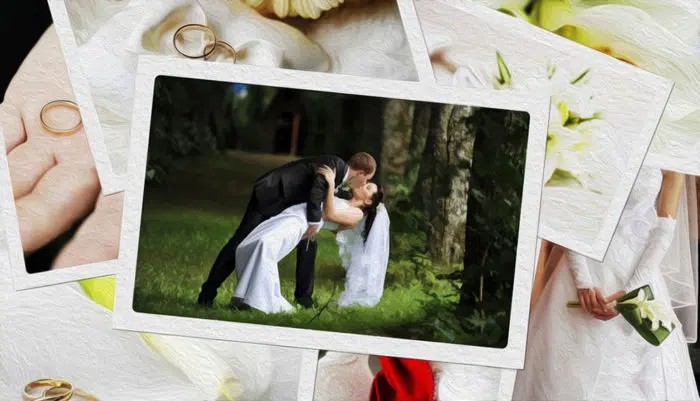
For example, a baby photo album will have a soft, pure, and childlike look. A wedding photo book will benefit from a more traditional style, one that inspires love and romance. Want to gather your vacation photos in a book? Opt for a design that evokes freedom, a change of scenery, and the location of your trip. As for albums for everyday photos, they can have a thousand and one different looks!
Handmade or online photo album?
Next, decide what type of album you want to create. If you enjoy crafts and the look of an old-fashioned album, you can buy a blank album and fill it in by hand. You’ll need to print your photos individually and then glue them inside. You can also add decorations, similar to the techniques used in scrapbooking.
Your second option is to create your photo album online. It’s a quick and easy solution, ideal if you’re in a hurry or not comfortable with DIY projects. Simply choose a book or photo album design that suits your needs, then arrange your photos on the different pages. Furthermore, creating your album online allows you to easily integrate your digital photos without having to print them beforehand. In addition, the final result is clean and crisp, printed on high-quality paper.
Photo Books Printing. Checking on Print Quality of the Photo Custom Digitally Printed Album.
Organize your favorite photos
Then comes the tricky step of selecting the photos. This is certainly the most difficult part when creating a photo album. To help you with your choice, start by choosing your favorite photographs, the ones you absolutely want to include in the book. If necessary, rank them in order of preference.
Are you having trouble choosing between several very similar photos? One idea is to put them all on the same page, in thumbnail format. This layout creates a lively, fresh, and dynamic look.
Finally, while arranging your photos in the album, strive for harmony and consistency. This can be achieved by respecting chronology (trip, event) or by grouping photos taken in the same setting or at the same time. Additionally, add captions to accompany the photos (date, location, name, quote, etc.).
Conclusion
There’s no single right way to create a photo album. Many possibilities are available: choose according to your needs, tastes, creativity, and inspiration. If you put your heart into it, your photo book is sure to be a success!

